Know what is on your shelves, in your stores and on the way in.
Inventory management in OmniPOS, from a single grocery shop to a warehouse running on RFID. Every item is followed from the day it is bought to the day it is sold, so stock stops being a guess.
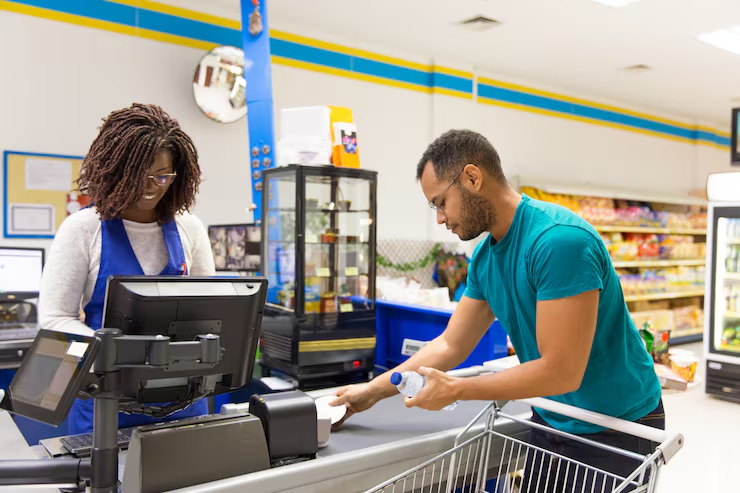
Why stock deserves its own system
For most retailers, the largest part of the money in the business is not in the till or the bank. It is on the shelves and in the storeroom. When stock is counted in a notebook, or not counted at all, an owner cannot say with confidence what the business is worth, which items make money, or where goods are disappearing.
OmniPOS treats inventory as the centre of the business rather than an add-on to the till. Every delivery, sale, correction and loss is recorded against the item it affects. The result is a stock figure you can trust, a value for what is sitting in your stores, and early warning before a shelf runs empty or a product passes its expiry date.
The same records drive the rest of OmniPOS: the profit on each item, the day's money in and money out, and the VAT owed to MRA. Get the stock right and everything built on it is right as well.
Available today in OmniPOS
Item and barcode records, stock in from suppliers, automatic stock out at the till, corrections, write-offs, low-stock and expiry alerts, and stock valuation.
In development
RFID stock control for large retailers and warehouses, and Pocket Stock Manager for small grocery stores.
How stock moves through OmniPOS
The full life of an item, step by step, from the moment it is added to the system to the report at the end of the month.
-
Add your items
Each product gets one record: its name, barcode, unit of sale, buying price, selling price and VAT treatment. You can set a reorder level for each item, and mark the ones that expire so OmniPOS tracks their dates.
-
Record stock coming in
When a delivery arrives, record the supplier, the quantity and what you paid. The stock count rises, and OmniPOS adds the cost to the money you have invested in stock, so you always know how much of your capital is sitting on the shelves.
-
Sell, and stock goes out on its own
Every sale at the till reduces the count for the items sold. Nobody has to update the stock separately, and because the buying price is already known, OmniPOS works out the profit made on each item as it is sold.
-
Correct mistakes without distorting the books
If a delivery was entered wrongly, a correction reverses it and reduces the recorded investment. The original entry is not simply deleted, so there is always a record of what changed and why.
-
Write off damaged, expired or missing stock
Goods that are broken, expired or lost are written off, and their cost is recorded as a loss rather than hidden. Keeping corrections and write-offs apart means you can see clearly how much the business is losing, and on which items.
-
Act on alerts before they cost you
OmniPOS warns you when an item falls to its reorder level and when products are close to expiry, while there is still time to restock or sell them.
-
Read the value of your stock and what it earns
At any time you can see what your stock is worth at cost, what is selling fast, what has stopped selling, and what each item has earned. The same figures feed your VAT return to MRA, so the tax you file matches what actually moved through the shop.

In development
RFID warehouse management
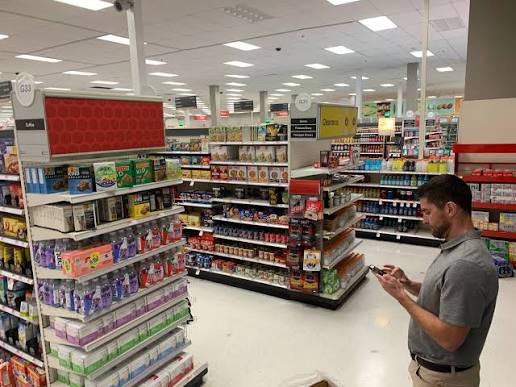
Counting stock by hand is slow, tiring and usually wrong somewhere. In a large store or warehouse it can take a team days, and by the time the count is finished, stock has already moved. RFID changes that.
RFID stands for radio-frequency identification. A small tag is attached to an item, a carton or a pallet. A handheld reader picks up the tags by radio, without needing to see a barcode, and it can read many tags at once. A member of staff walking down an aisle with a reader can count the stock on it in the time it takes to walk.
We are building RFID stock control directly into OmniPOS, so the tags, the counts and the deliveries all feed the same inventory records described above. It is designed for retailers with large stores, mega stores and warehouses.
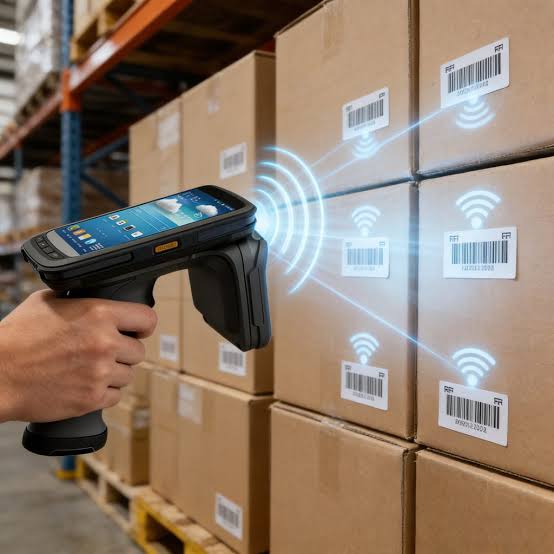
How RFID stock control will work, step by step
-
Tag the stock
Each tag is linked to its item record in OmniPOS. Depending on what you store, tags go on individual items, on cartons or on pallets.
-
Receive deliveries without counting by hand
When a delivery comes in, its tags are read as it is received. The inventory updates on its own, and the quantity received can be checked against what was ordered before the supplier's driver leaves.
-
Count an aisle by walking it
Instead of stopping the business for a stock take, staff walk the shelves with a handheld reader. Counts that took days take a fraction of the time, and they can be done as often as you like.
-
See the gap between the system and the shelf
OmniPOS compares what the reader found with what the records say should be there. Differences are listed item by item, so missing stock is found while it can still be explained.
-
Follow stock as it moves between locations
When goods move from a warehouse to a shop floor or another branch, the move is recorded, so each location's stock is accurate and nothing disappears between them.
Who it is for
Retailers with large stores, mega stores, wholesalers and warehouses, and any business where stock takes are slow or stock goes missing between delivery and sale.
Talk to us early
We are looking for businesses to work with as the module is completed. If stock control is costing you, tell us how your stores work.
Register your interestIn development
Pocket Stock Manager, for small grocery stores
Not every shop needs a full point of sale. Pocket Stock Manager is a smartphone app for small grocery stores that covers stock, sales and credit in one place, and works on the phone itself without needing an internet connection.
It came out of interviews with many grocery store owners, who told us what they need to see every day: what they have, what they sold, and who owes them. The app is built around exactly that.
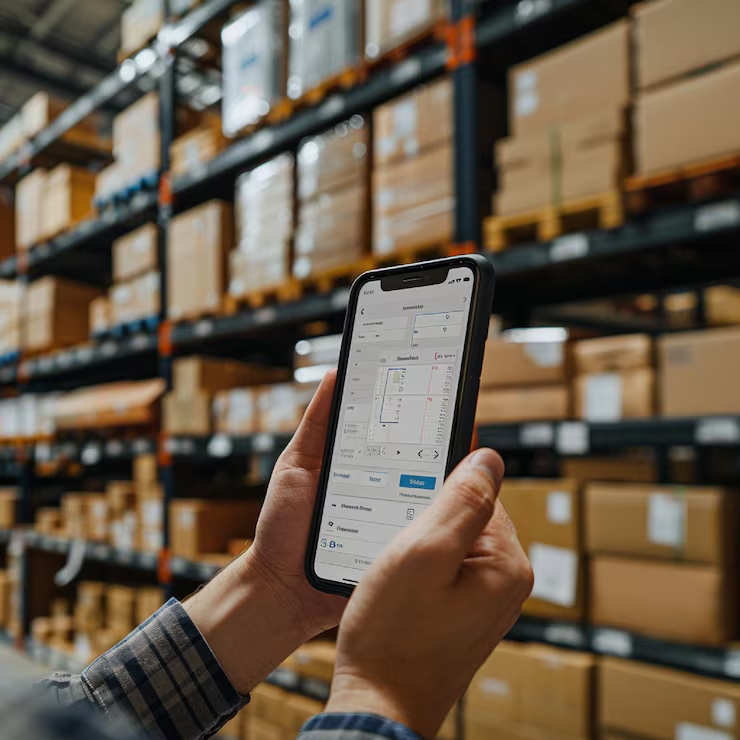
Start with the inventory you have today
Inventory management is part of every OmniPOS plan. Create an account and add your items, or ask us to come and set it up with you.